
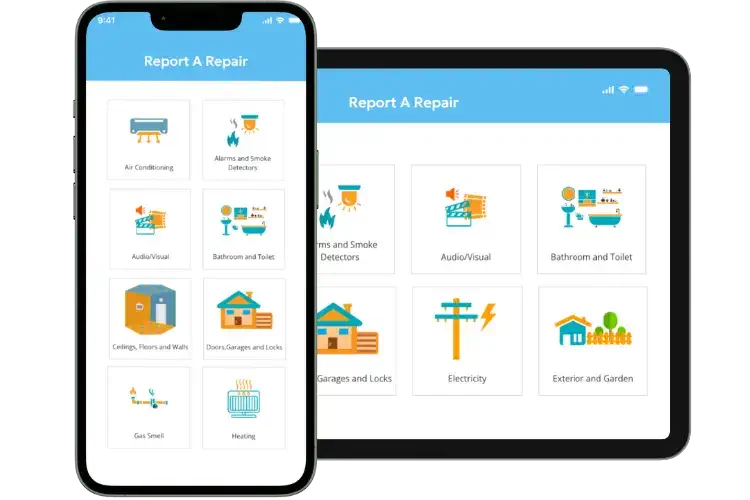
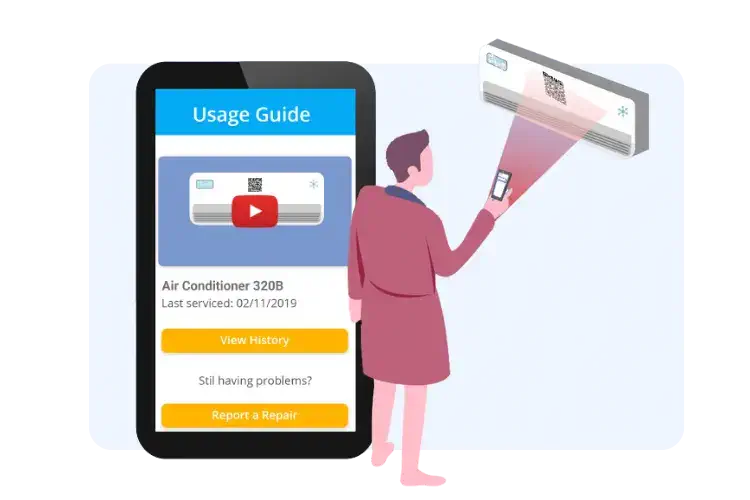
24/7 self-service report a repair
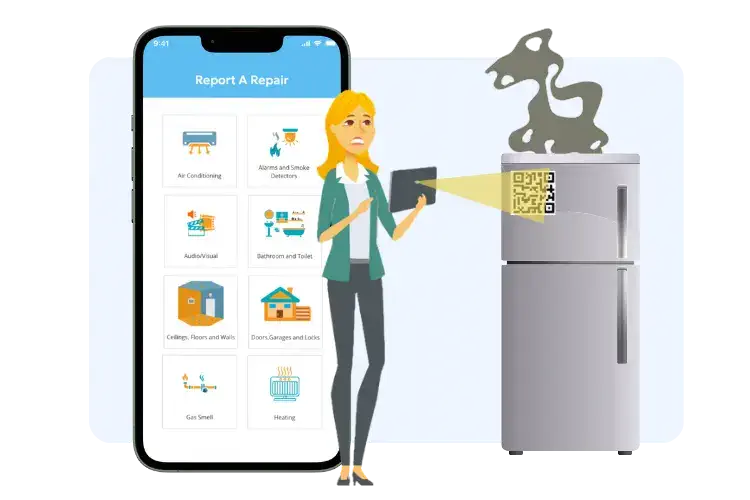
- Enable tenants to report repairs from any location by scanning a QR code or through website/an app
- Gather comprehensive repair details through a structured form
- Enhance transparency and accountability with photo evidence for repair completion
Multilingual support for tenants
- Our report a repair system offers an option to report in multiple languages, helping with inclusivity and accessibility
- Allow tenants to translate repair forms into their preferred language, reducing communication barriers
- Enhance the user experience by accommodating tenants’ language preferences

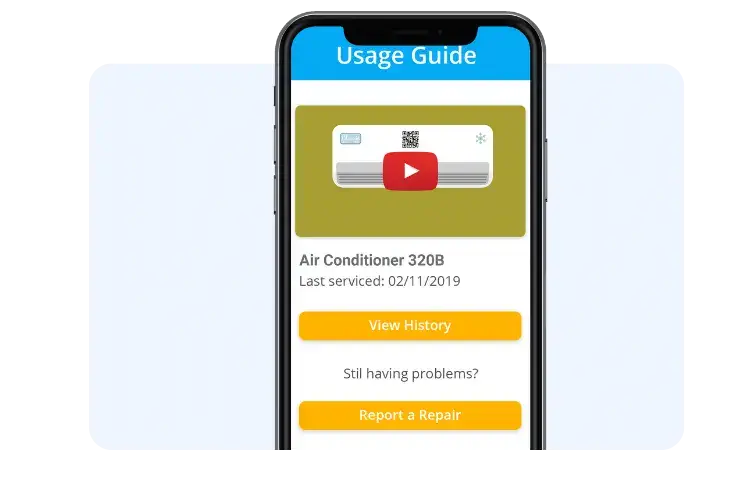
Self-service videos and guides for tenants
- Give tenants resources to resolve minor issues independently
- Reduce property manager workload by minimising unnecessary repair calls and emails
- Enhance tenant satisfaction by quickly dispatching contractor when self-service option fails
Accurate reporting for efficient resolutions
- Allow tenants to provide detailed repair information through uploading photos and videos
- Assist property managers in managing large property portfolios
- Optimise repair prioritisation and resource allocation based on issue severity
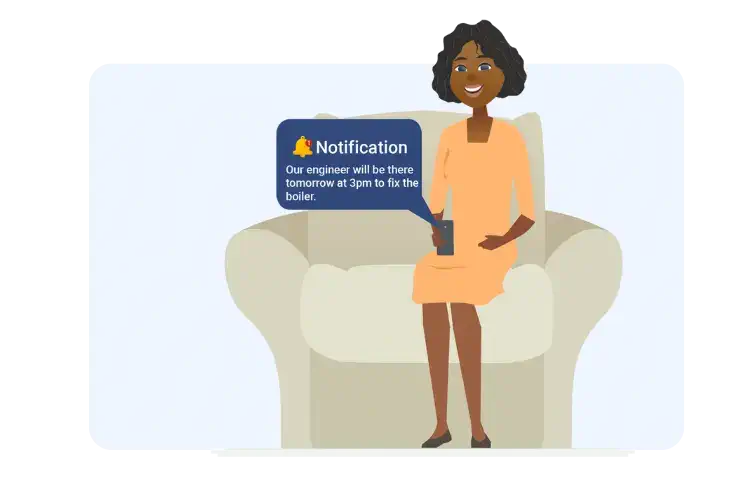
No more missed contractor visits
- Keep tenants informed with real-time updates on contractor ETA and location
- Prevent missed visits, saving both time and resources for property managers and contractors
Thinking of using 3rd party delivery company to handle your deliveries? See how you can do better delivering direct using Delivity.
- NLower long term costs?
- NNo long wait for delivery drivers?
- NIntegrates with your existing systems?
Delivity can benefit the following

Restaurants, Fast Food & Take Outs

Ecommerce Companies (B2C & D2C)

SuperMarkets, Grocery Stores & Retailers

Health & Pharmaceuticals

Contruction & Building Material Suppliers

Wholesalers & Distributors
See a product walkthrough of Delivity

Deliveries Made Easy
Delivity can help you deliver direct to your customers. Organising your deliveries and keeping you customers informed. Your drivers know exactly what to deliver to whom in which order. Saving you costs on your deliveries and improving customer satisfaction.
See how other businesses have benefited from working with Uptivity

Pearl-Continental Hotels
Engineering Director
Uptivity’s MaintainPad CMMS Software has streamlined Asset Management & Maintenance workflows on all properties across the country.

HM Residential Properties
Director
All our rental properties repairs are automated with MaintainPad. No more repair calls and emails. All repair work orders streamlied with contractors App.

IFFCO
Director - International Business Development
MaintainPad helps with keeping track of rotating assets such as bikes, smart delivery boxes. Also, ensuring all repair requests and servicing of each asset is carried out in timely manner.

Pyrocel
Fire & Safety Manager
Tagging all the fire safety assets an maintaining records of fire safety checks agains each type of fire safety equipment for each site. Allocating checks to different engineers and automated reporting to clients.

Ideal Properties
Properties Manager
Keep record of repairs and safety checks. forall our rental properties. Ensuring all reportedwork requests are completed timely and to our client’s satisfaction.

Jacden Group of Companies
Finance Director
Keeping track of all the assets and equipments across the group of companies along with repair history, location and the movement of the assets between sites.
Ultra Kabin
Rental Manager
Managing all the portable cabins as assets to keep track of the allocation to customers along with repair and maintenance records.
Al Hayat Asset Management
Director
Property and Asset Management company using MaintainPad to keep track of all assets, equipment, repair quotes from contractors and billing to their customers and landlords.

North East Care Homes
Care Home Manager
Keeping track of all the equipment and assets and checks for multiple care homes across the group. Ensuring all assets are checked for safety purposes.

Base Furnishings
Director
QR Code based asset and inventory management for furnishing products within warehouse. Keeping track. of the assets being moved and delivered within the business.

Groovy Students Hostels
Director
Keeping track of property repairs reported by students and tenants and timely fixing of the issues. Ensuring all assets are tracked across student hostels in multiple locations.
The Rudd Group
Fleet Manager
Managing vehicle assets across the group using QR codes. Ensuring vehicle checks are performed as per the regulations to ensure company drivers safety.

Sialkot Airport
IT Manager
Capturing feedback on Airport Facilities from passengers to ensure quality of repair and facility services is improved on a regular basis. Automated notifying management of negative feedback about facilities.
TeamWork Facilities Management
Facilities Manager
Ensuring facilities staff planned attendance is maintained for smooth operations across some of the busy train stations across the UK.
Start delivering direct to your customers today.
Starting from £20/month
Book a call with an expert
Frequently asked questions
Can the customers/tenants/guests report repairs from their mobiles?
Yes, report a repair is designed to work from any device connected to the Internet, that includes mobile phone and tablets.
Do I have to have a QR code to report a repair?
No, your customers can simply report a repair by going onto your website/app and filling out a quick form.
How are QR codes more helpful for report a repair?
QR codes help to identify precisely the items, such as machinery and equipment, that are having problems. They also help with retrieving the history of repairs for the same equipment and machinery.
Can I integrate report a repair with my existing website and can it be white labelled?
Yes, report a repair is designed to be integrated to existing websites/apps and also can be white labelled.
Do my customers/tenants/guests need to login to report a repair?
No, whoever is reporting a repair can do it without having to create an account or signing in.