
Fleet management key control software for commercial vehicle fleets and delivery operations
No more missing keys. Switch from a spreadsheet to a simple app. Save administration time and cost and start to track your keys with Keyzi.
Assign QR codes & RFID tags to fleet vehicle keys and commercial fleet
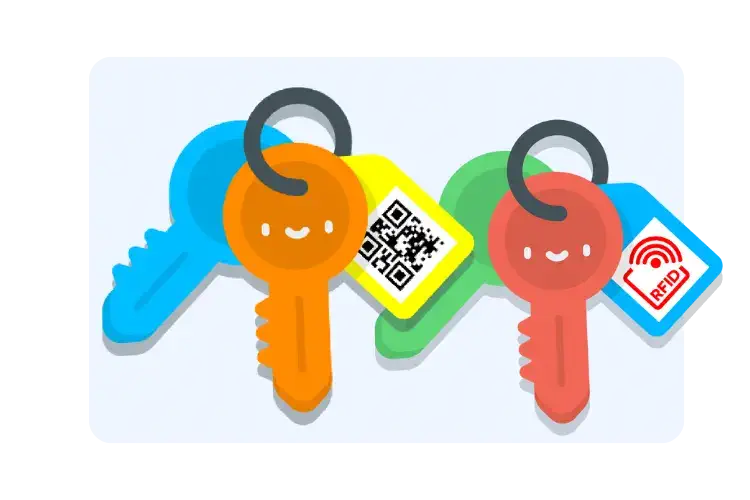
- Identify fleet vehicle keys and commercial fleet keys with unique QR codes and RFID tags easily with our fleet key management software
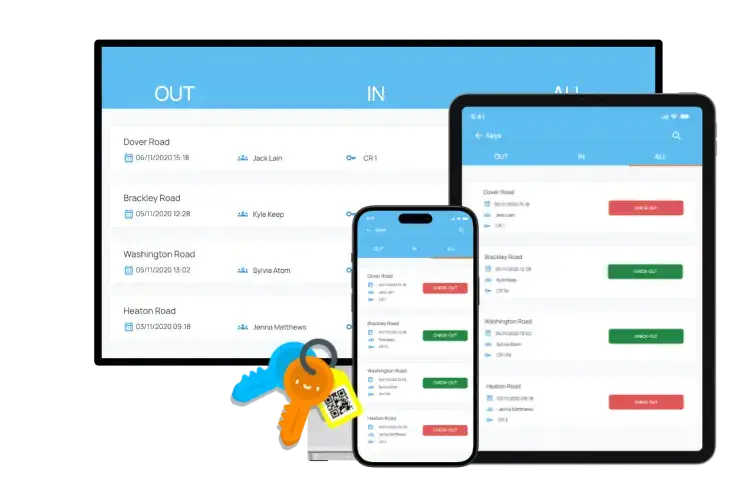
- Access all fleet vehicle key information from one-window system, including which fleet driver has the vehicle keys and their return date/time
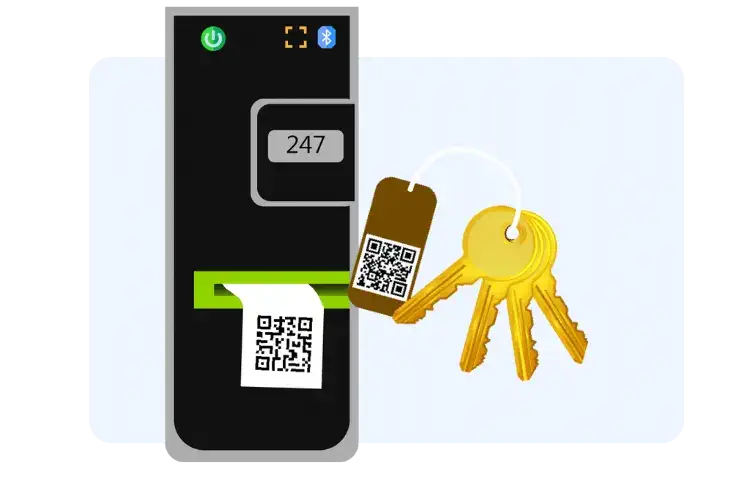
Print your own tags to track fleet vehicle keys and driver access control
- Access a portable, battery powered, Bluetooth QR code printer to print tags for fleet vehicle keys at your convenience
- Our printer is compatible with multiple sizes of tags and 24 different colour tapes, to help with fleet key tracking and commercial fleet management organisation
Change how you keep track of your fleet vehicle keys today, with our fleet key management software.

Check-in and check-out fleet vehicle keys by scanning QR codes in the app
- Instantly record fleet vehicle key check-ins and check-outs using our fleet key management software app
- Access fleet vehicle key information, such as assigned fleet driver and return date, with a single scan
- Ensure accountability by capturing digital signatures for fleet key transaction
No more missing fleet vehicle keys with smart key tags
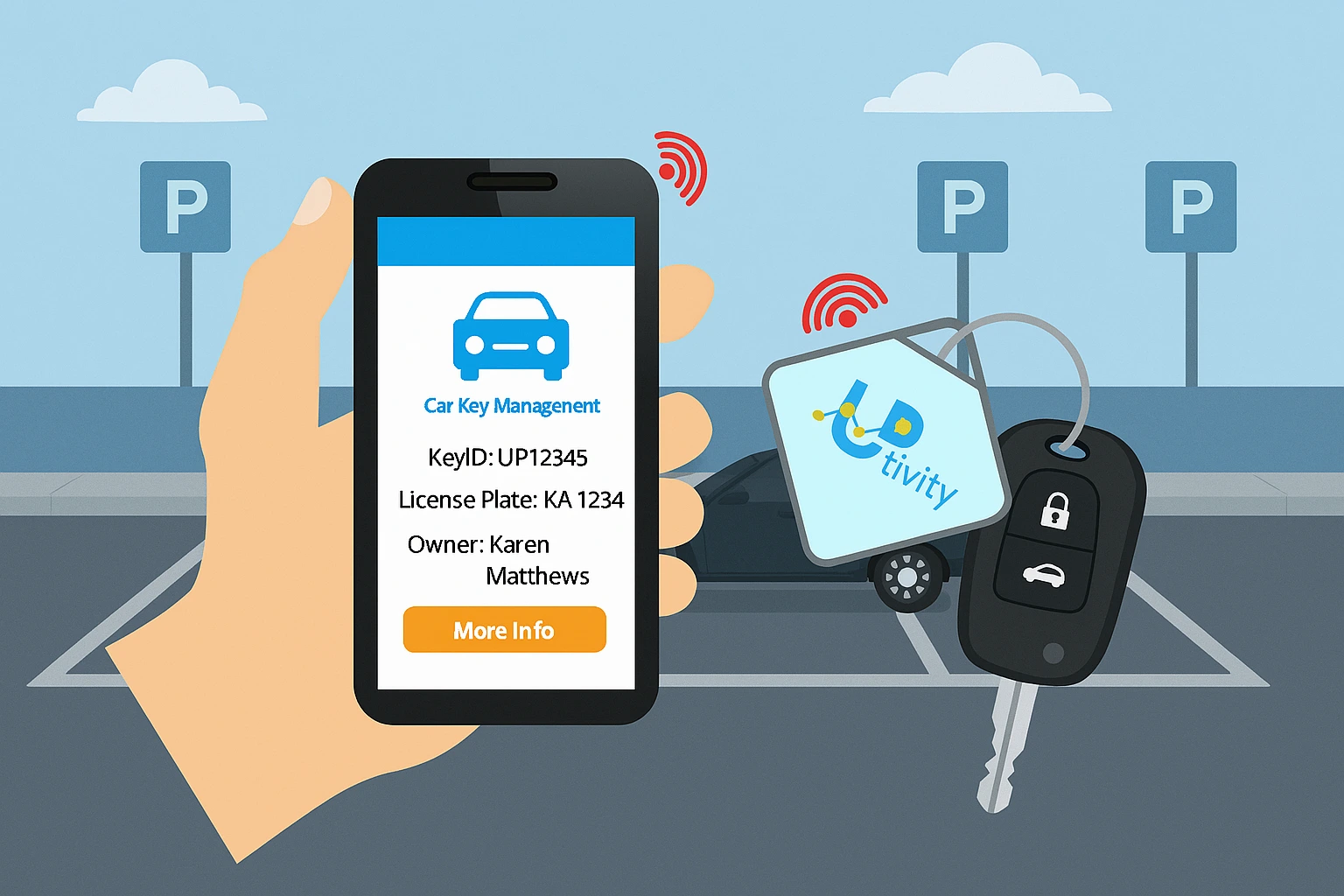
- track fleet vehicle key locations in real-time using smart key tags for fleet drivers
- Receive alerts if fleet vehicle keys are moved or dropped
- Utilise Bluetooth technology to precisely locate misplaced fleet keys
- Activate an alarm sound on the smart tag if fleet keys are dropped or misplaced
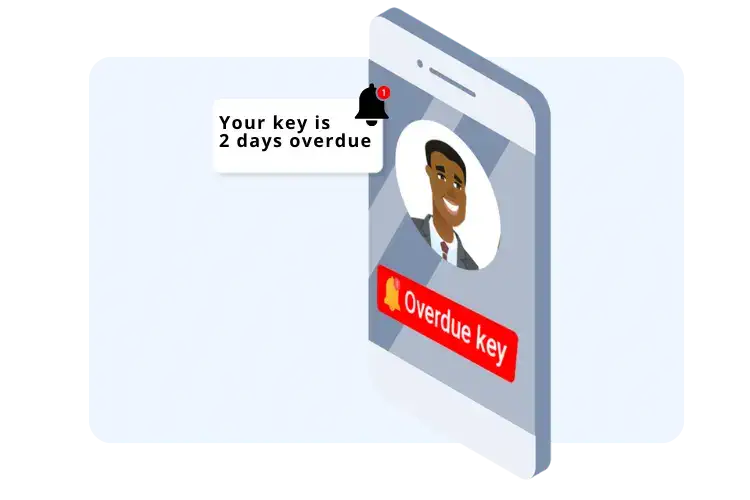
Send automatic reminders for overdue fleet vehicle keys through fleet key management software
- Set up automatic SMS or email reminders in the fleet key management software for vehicle keys not returned on time
- Customise reminder recipients: fleet driver, fleet manager, or entire fleet team
- Ensure missing fleet vehicle keys are promptly addressed and never go unoticed
Increase chances of lost keys being returned & be GDPR complaint too.
When a key is lost, simply scanning the QR code on the Key Tag by ordinary member of public shows them who the key belongs to and where to return it to. Makes your business GDPR compliant and also increases chances of lost key to be returned to right place. Are your lost keys GDPR compliant?

Enhance your business further with our apps
Asset Management
Complete asset & equipment management system for properties, buildings and facilities. Find out more

Smart Workorders
CMMS facilities and building management software Find out more

Checkki
Quality and compliance app Find out more

Report a Repair
Report a repair feature for your website or an app
See how McKale Estates benefit from our product

McKale Estate
Ellyse Errington
The key management system is simple and efficient, and the support from the Uptivity team has been fantastic. Anytime we have a technical issue, they sort it out right away. I’d highly recommend Keyzi to anyone looking to streamline their operations. – Ellyse Errington, Branch Manager, McKale Estates
See how other businesses have benefited from working with Uptivity

Pearl-Continental Hotels
Engineering Director
Uptivity’s MaintainPad CMMS Software has streamlined Asset Management & Maintenance workflows on all properties across the country.
HM Residential Properties
Director
All our rental properties repairs are automated with MaintainPad. No more repair calls and emails. All repair work orders streamlied with contractors App.

IFFCO
Director - International Business Development
MaintainPad helps with keeping track of rotating assets such as bikes, smart delivery boxes. Also, ensuring all repair requests and servicing of each asset is carried out in timely manner.
Pyrocel
Fire & Safety Manager
Tagging all the fire safety assets an maintaining records of fire safety checks agains each type of fire safety equipment for each site. Allocating checks to different engineers and automated reporting to clients.

Ideal Properties
Properties Manager
Keep record of repairs and safety checks. forall our rental properties. Ensuring all reportedwork requests are completed timely and to our client’s satisfaction.
Jacden Group of Companies
Finance Director
Keeping track of all the assets and equipments across the group of companies along with repair history, location and the movement of the assets between sites.
Ultra Kabin
Rental Manager
Managing all the portable cabins as assets to keep track of the allocation to customers along with repair and maintenance records.
Al Hayat Asset Management
Director
Property and Asset Management company using MaintainPad to keep track of all assets, equipment, repair quotes from contractors and billing to their customers and landlords.

North East Care Homes
Care Home Manager
Keeping track of all the equipment and assets and checks for multiple care homes across the group. Ensuring all assets are checked for safety purposes.

Base Furnishings
Director
QR Code based asset and inventory management for furnishing products within warehouse. Keeping track. of the assets being moved and delivered within the business.

Groovy Students Hostels
Director
Keeping track of property repairs reported by students and tenants and timely fixing of the issues. Ensuring all assets are tracked across student hostels in multiple locations.
The Rudd Group
Fleet Manager
Managing vehicle assets across the group using QR codes. Ensuring vehicle checks are performed as per the regulations to ensure company drivers safety.

Sialkot Airport
IT Manager
Capturing feedback on Airport Facilities from passengers to ensure quality of repair and facility services is improved on a regular basis. Automated notifying management of negative feedback about facilities.
TeamWork Facilities Management
Facilities Manager
Ensuring facilities staff planned attendance is maintained for smooth operations across some of the busy train stations across the UK.
Start tracking your keys today. Starting from £40/month
Book a call with an expert
Frequently asked questions
What happens if a key (with a QR code) is dropped outside? What happens if a member of scans the QR code?
They only see a message informing them who the key belongs to and asking them to return it. They can’t determine which property/door the key is for.
Do I need to pay for each QR code for each key tag?
You can print your QR codes for each key. We supply a specific printer for you to print as many QR codes as possible for each key tag.
How the QR codes for keytags can help me with GDPR and security?
To comply with security and GDPR, we mask the property address within the QR Code. The property’s address is only disclosed to your staff dealing with the keys when they scan the QR code. Anyone who doesn’t have permission will be shown generic contact information, i.e., where to return the keys if they are found.
How can we easily identify different categories of keys without scanning, e.g. rental, sales, staff, etc?
The QR tags come in 24 different colours. So you can use different colours for each category to easily identify without scanning the QR code.
We have multiple keys for the same item/property/vehicle; how can we track multiple sets?
The system allows you to have the same QR codes for each set of keys. As you have a duplicate key, the QR code is also a duplicate, but the system records how many sets you have.
How is Keyzi different from keeping a record on Excel or Google sheet?
Keyzi instantly displays the missing key data and offers automated reminders to people who have not returned the keys. It also captures digital signatures of staff and people who take keys out. Also, Keyzi keeps track of your contacts who take keys out. Keyzi is designed to keep a full audit trail of your keys, which is impossible with Excel or Google Sheets.
How do the smart key tags work?
Smart Key Tags by Keyzi work similarly to Apple’s air tags. However, Keyzi Smart Key Tags are designed to track hundreds of keys and offer a centralised management and tracker dashboard.
What do you mean by ‘track keys’ and ‘key tracking software’?
Door keys, car keys, safe-room keys, keys for shops… They’re all keys which are valuable and time-awkward to lose. You don’t want to lose them, so you ‘track’ them. Track keys simply means knowing where they are or where they have been. Either will help you to recover them. Keys can be attached with a Bluetooth tag, and then it is possible to know where keys are at any time (with some restrictions). The other way is to tag them with QR codes, and any person taking them from a secure cabinet (not provided) scans them out (and in). This way, the software will record the last person to have them. Both are ways to track keys using key-tracking software, albeit the former requires some hardware.
I see many similar but different phrases: ‘Key management software’, ‘Key management system’, and ‘key management solutions’. What exactly do each of these mean, and how do they differ?
Key management is very similar to key tracking (see above FAQ response) but with a bit more. The ‘a bit more’ is key audit trails and traceability (who had which key on a particular date), dashboards and reports. Key management software is software (in this case, cloud-based) for managing keys (car keys, shop keys, room keys, etc). The phrase ‘key management system’ is a ‘wide view’. With multiple devices used for operations, the data is collected to the cloud, dashboards and reports. With hosting, backups, and operational support….it’s a complete ‘system’. A key management solution is the same but from the perspective of the actual problem. It’s less concerned with details of how the problem is solved, just that it is. For example, my keys keep getting lost. The solution might be fitting tags to keys or even replacing key locks with code locks.
I want smart locks. Does your 'Keys management solution' cover this?
No. We’re not a hardware company. With smart locks, you don’t have keys, and there is no need for a key management system. Could I interest you in an asset management application? With all the new hardware needing to be managed, you now need Uptivity’s asset Mananagement.