
Never Lose Site Keys Again
Track, Control, Protect
Digital key tracking that keeps your site secure, organised and running smoothly

Everything Construction Contractors Need for Complete Key Control
Mobile-first key management designed specifically for construction sites, contractors, and building projects across the UK
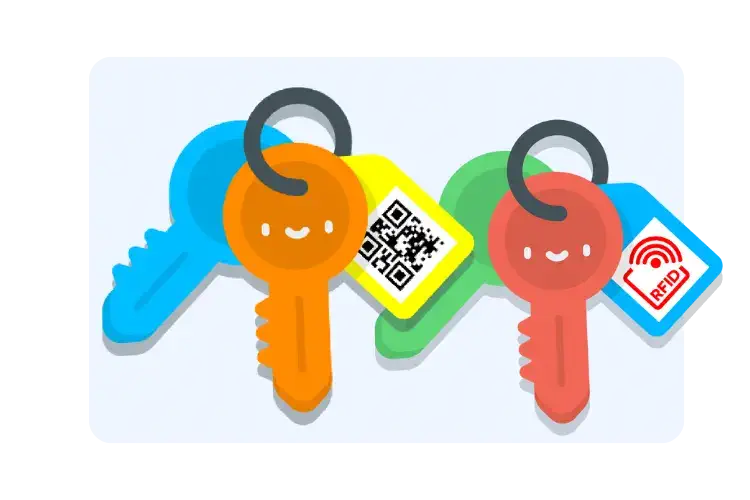
Instant Check-In/Check-Out With QR Codes
Check out keys in seconds, no more paper sign-out sheets
- Workers or site managers scan a key with their phone, fast and paperless tracking across your entire construction site
- Eliminates manual logbooks and reduces missing keys that block access to secure storage, tool rooms or plant equipment
- Scan with any smartphone camera - no special hardware needed. Works on iOS and Android devices your crew already has
- QR codes print on demand using our portable Bluetooth printer - weatherproof tags available in 24 colors for easy organization
- Tags designed for harsh construction environments - waterproof, dust-proof, withstand mud, rain and rough handling
Setup takes just 5 minutes per key. Tags are construction-grade durable and designed for daily use on busy jobsites.
Start Free Trial for Site Teams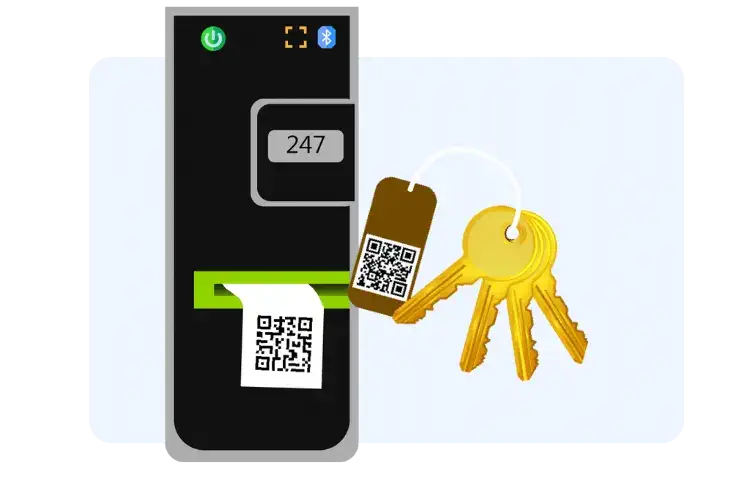
Portable Printing & Smart Key Tags
Label, track and organise every site key instantly
- Print QR tags at the site and label keys/locks for every area - tool stores, plant rooms, vehicle keys, gates and storage areas
- Portable, battery-powered, Bluetooth QR code printer - print tags right on your construction site, no computer or power outlet required
- Makes the system easy to adopt - every room, tool store or vehicle key is labelled and trackable from day one
- 24 different colour tapes help you instantly organize keys by equipment type, site location, or contractor
- Weatherproof, construction-grade tags designed for harsh environments - won't fade in sunlight, won't peel from moisture or dust
Printer included in Professional plan. Each roll of tags prints 200+ labels. Setup across your entire site in under an hour.
See Smart Tag Tracking
Real-Time Tracking & Audit Trails
See who has what key, when, no guesswork, full audit logs
- Track which worker has which key and when it's due back, with digital signatures for complete accountability
- Security and accountability on multi-contractor sites - perfect when subcontractors, electricians, plumbers and other trades need access
- Available for iOS and Android - workers can check keys in/out from the jobsite, equipment yard, or company vehicles
- App works offline with automatic sync when reconnected - perfect for remote construction sites, basements, or areas with poor cell signal
- Check keys in/out in under 5 seconds - 10x faster than manual logbooks. Eliminate handwriting errors and missing entries.
The app requires no training - construction workers can start using it immediately. All data syncs securely to the cloud with end-to-end encryption.
Track Keys in Real Time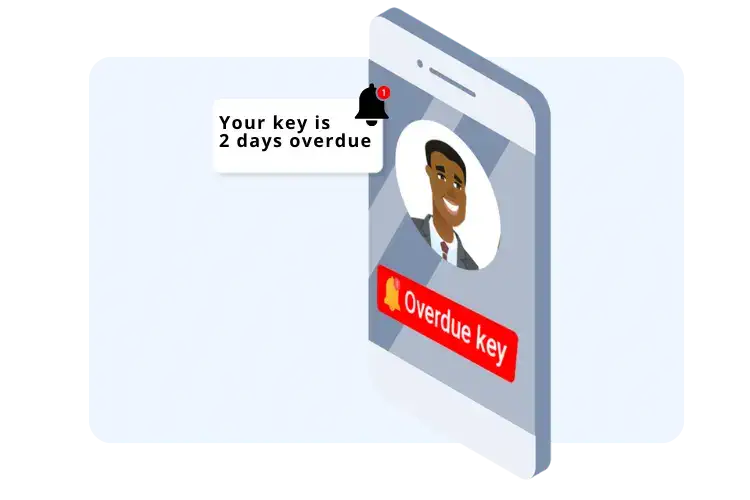
Automatic Alerts & Overdue Reminders
Get alerted when keys aren't returned, reduce downtime and miscommunication
- Keyzi sends SMS/email reminders about overdue keys automatically - no more chasing workers between shifts
- Workers forget to return keys between shifts, automated reminders cut down delays and keep your site running smoothly
- Escalation system alerts site managers if keys remain overdue after multiple reminders - ensure nothing slips through
- Lost key return system: when keys are found by the public, they can scan the QR code to see return instructions without revealing site location or equipment details
- Fully GDPR compliant - site addresses and equipment information are masked, only showing your company name and contact number
Set custom reminder intervals (30 mins, 1 hour, 4 hours, etc.) and escalation chains. All communications are logged for audit trails and safety reporting.
See Overdue Key Alerts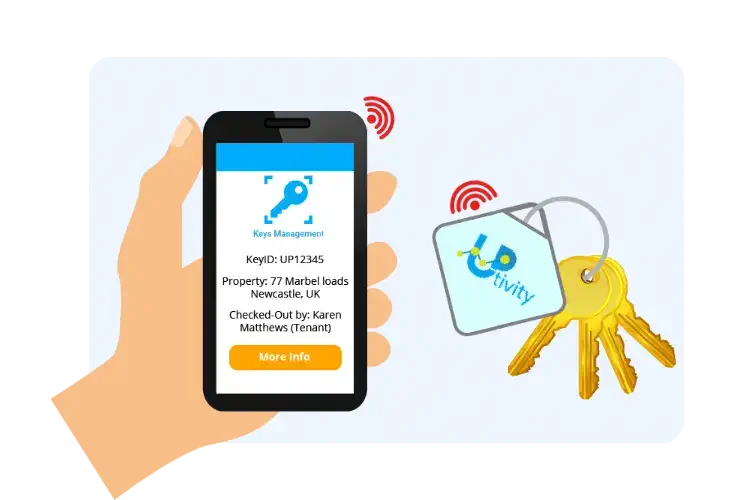
Real-Time Location Tracking
Find misplaced keys fast, reduce stoppages and keep teams moving
- Smart tags help locate misplaced keys onsite - perfect for large sites with multiple gates, buildings and storage areas
- Trigger audible alarms to find keys within 50 meters - stops managers wasting time searching across busy construction sites
- Track key locations in real-time on a map - see where equipment keys, vehicle keys and site access keys are right now
- Receive instant alerts if keys are moved outside designated areas or left in unexpected locations
- Centralized dashboard shows all tag locations across your entire site with battery status monitoring
Battery life: 12+ months per tag. Replace batteries easily without specialist tools. Compatible with iOS and Android devices. Optional upgrade for high-value equipment.
Book Demo NowEnhance your business further with our apps

Asset Management
Complete asset & equipment management system for properties, buildings and facilities.
Find out more


See Keyzi in Action: Smart Key Management for Construction Sites
Everything Construction Contractors Need for Complete Site Security
GDPR-Compliant Lost Key Return
When keys are lost and found, finders can scan the QR code to see return instructions without viewing site location or equipment details. Fully GDPR compliant with masked data protection - protect your construction site security.
Complete Audit Trail for Safety Compliance
Every key movement is logged with date, time, worker name, digital signature, and optional equipment photos. Generate detailed reports for Health & Safety audits, insurance claims, CDM Regulations compliance, or CSCS card verification.
Multi-Site Construction Management
Manage keys across unlimited construction sites from one central dashboard. Perfect for contractors with 2-200+ active projects. Set different access permissions per site, track equipment transfers between jobsites, and maintain complete visibility across your entire operation.
Construction Software Integration
Seamless integration with Procore, Autodesk Construction Cloud, MaintainPad CMMS and other construction management systems via API. Link keys to work orders, sync project data automatically, and streamline your workflow with connected systems.
24/7 Mobile Access for Site Teams
Access the system anytime, anywhere from any device - on the jobsite, in your van, or at the equipment yard. Check key status while at the site, manage keys during night shifts, and control access outside normal office hours.
UK-Based Support & Construction Expertise
Dedicated UK-based support team available via phone, email, and live chat. Expert guidance on GDPR compliance, CDM Regulations, setup assistance for construction sites, and ongoing training. Fast response times with understanding of UK construction industry requirements.
Start tracking your keys today
Starting From £40/month
Book a call with an expert
Frequently asked questions
Do this:
- Tag every key set on site with a QR label
- Make scanning mandatory for everyone, including supervisors
- Set an expected return time on every checkout
Fast method:
- Search by key name or location in the app
- Open the key record to see who it is checked out to
Best practice:
- Always scan returns, even if the key is just dropped on a desk
- Use signatures for high risk keys so nobody can deny it
Site rule that works:
- No scan means no key
- No checkout to “the team”, always a person
Do this:
- Set short return times for keys that get borrowed briefly, for example stores and gates
- Use automatic reminders when overdue
To make adoption stick:
- Put QR tags on every key ring
- Use the app QR scanner, not manual typing
- Review the “Out and In log” instead of chasing paperwork
Suggested setup:
- Tool store keys must be returned before break or end of shift
- Signature required for tool store keys
- Manager gets alerted if key stays out
Practical naming:
- “Roof Access Key, Site A”
- “Riser Key, Block 2”
Good approach:
- One gate key set per gate, clearly labelled
- End of shift return time by default
- Escalation reminders for any gate key overdue
Immediate steps:
- Freeze further sharing of that key
- Check the key log to identify last holder
- Search likely areas, then decide lock changes if required
To make it reliable:
- Require scanning for every handover
- Use signatures for restricted keys and store keys
Do this:
- Contractor name plus phone number
- Expected return time same day by default
- Signature capture for contractors
Best practice:
- Set due time to end of shift or end of job
- Escalate to site manager if overdue
- Keep a “contractor keys out” daily report
How to use it:
- Always set expected return time, even for short loans
- Turn on reminders and escalation rules
A simple escalation ladder:
- Reminder 1 to borrower
- Reminder 2 to supervisor
- Reminder 3 to site manager
Tip:
- Use signatures for subcontractors and restricted keys, keep normal keys fast.
Practical setup:
- Keep check out and check in points near signal
- Use expected return times so missing keys are still flagged
Most sites start with QR, then add RFID later if needed.
Good naming:
- “Forklift 3 Key”
- “Telehandler A Key”
Practical setup:
- One location per project site
- Standard key naming rules across sites
- Weekly audit report per project using reporting