
Keep Your Facility Secure & Audit‑Ready
Every Key, Tracked
Digital key management for healthcare teams, know who has what key, when, and why.
Stop lost keys, secure restricted access, and protect your residents. Digital check-in/check-out with full audit trails for CQC inspections. No more paper logs, no more missing keys, no more shift handover chaos.

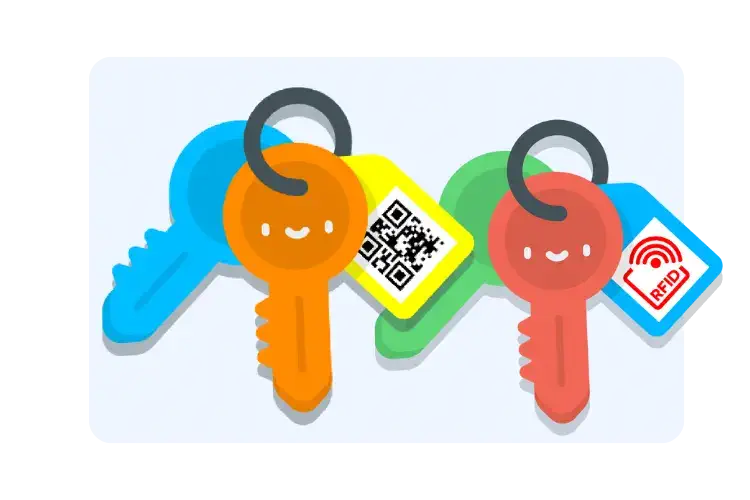
Check Keys In & Out With a Tap, No Paper, No Confusion, No Missing Access
- Staff scan QR codes with their phones, medication cabinet keys, resident room keys, emergency access keys
- No more paper logs that get lost or have missing entries during busy shifts
- Every key tracked automatically, know who has what key right now, not hours later
- Works with any smartphone, no expensive hardware or complicated training needed
- Shift handovers become simple, incoming staff instantly see which keys are checked out and by whom
Care teams report 95% fewer misplaced keys and zero confusion about who has critical access keys during shift changes.
Control Keys Today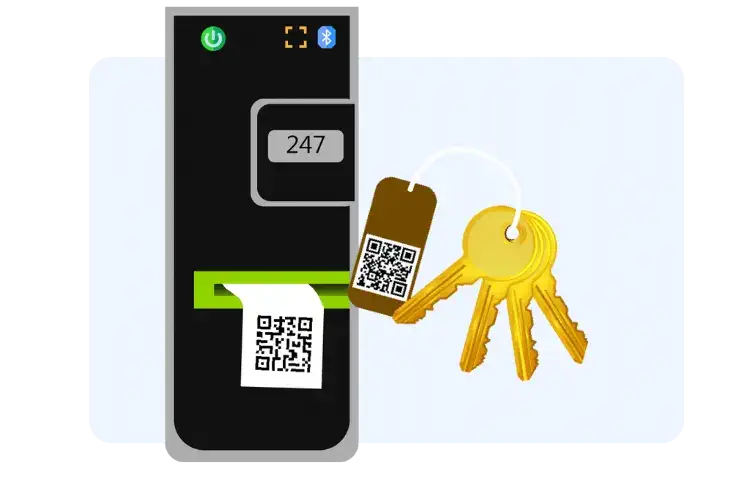
Know Who Had Which Key & When, Perfect for Compliance & Internal Reviews
- Full digital audit trail of every key movement, who accessed medicine rooms, equipment stores, restricted zones
- Digital signatures captured on check-out, staff accountability built in, no disputes about who had keys
- Export compliance reports for CQC inspections in seconds, show exactly who accessed controlled areas and when
- Search historical access records instantly, perfect for safeguarding reviews or internal investigations
- Timestamped records that can't be altered, reliable evidence for audits, unlike paper logs that can be lost or changed
CQC inspectors specifically look for traceable key access records. Care homes using Keyzi pass compliance reviews with clear documentation.
See How It Works
Get Notified When Keys Aren't Returned, Reduce Risk & Avoid Late Shift Chaos
- Automatic alerts when keys aren't returned on time, no more chasing staff or discovering missing keys hours later
- Medicine cabinet keys flagged instantly if not returned, critical for controlled substance security and resident safety
- Shift change notifications show which keys are still out, incoming staff know exactly what's missing before they start
- Escalating reminders to staff and supervisors, gentle nudges that become urgent alerts if keys stay missing
- Reduce late shift stress, no more discovering at 10 PM that someone went home with the medicine room key
Care homes report zero overnight incidents of missing critical keys since implementing automated alerts. Peace of mind for night staff.
Try Keyzi Free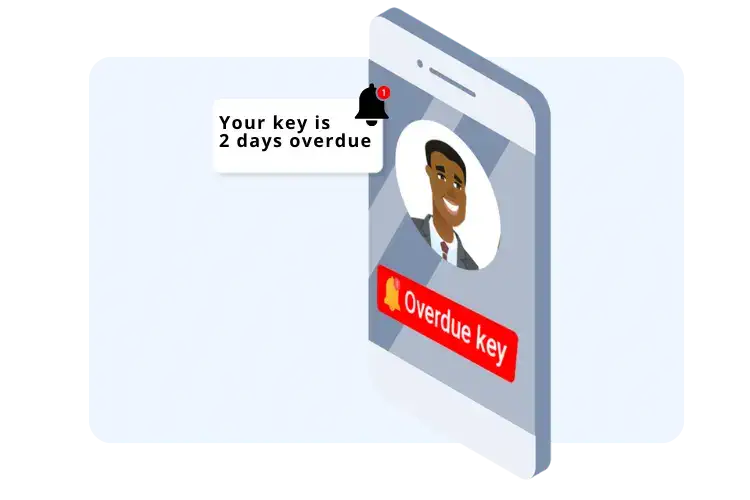
Manage Keys From Your Phone or Tablet, Ideal for Busy Care Teams on the Go
- Care staff scan and check keys while moving between wards, units, or resident rooms, no running back to a central location
- Nurses check medicine keys during medication rounds using phones they already carry, fast, simple, no extra devices
- Night staff access the system from anywhere in the facility, check key status without waking managers or searching offices
- Works offline during busy moments, data syncs automatically when signal returns, so nothing is lost
- Supervisors see real-time key status from home, know your facility is secure even when you're off-site
Healthcare teams work constantly on the move. Mobile access means keys get managed properly without disrupting patient care.
See Mobile Features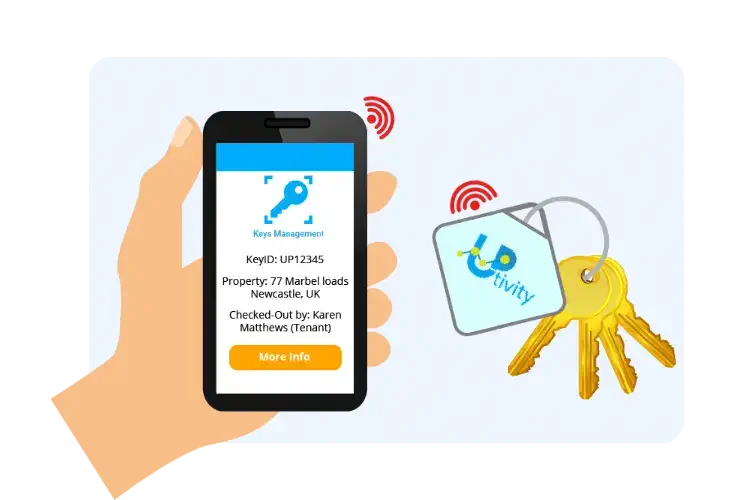
Label Every Key With QR Tags, Intuitive, Uniform, Easy for Every Staff Member
- Print clear QR labels for each key, "Medicine Store A", "Equipment Room 2", "Emergency Exit Master", no confusion about which key is which
- New staff understand immediately, uniform labeling means less training and fewer mistakes during busy shifts
- Color-coded tags help visual organization, red for emergency keys, blue for medicine, green for resident rooms
- Weatherproof tags stay readable for years, no faded handwriting or peeling stickers like old manual labels
- Print on-demand when you add new keys, no waiting for someone to manually write labels or order new tags
Clear, consistent labeling eliminates the "which key is this?" problem that wastes time and creates access delays during emergencies.
Book a Healthcare DemoEnhance your business further with our apps
Asset Management
Complete asset & equipment management system for properties, buildings and facilities.
Find out more


See Keyzi in Action: Smart Key Management for Healthcare & Care Homes
What Healthcare Teams Get With Keyzi
Fewer Misplaced Keys
Care homes report 95% fewer lost keys with digital tracking. Medicine cabinet keys, emergency access keys, and resident room keys stay accounted for, reducing security risks and locksmith callouts.
Safer Access to Restricted Areas
Know exactly who accessed medicine stores, equipment rooms, and controlled areas. Digital signatures and timestamped records prevent unauthorized access and protect vulnerable residents.
Simpler Shift Handovers
No more confusion during shift changes. Incoming staff instantly see which keys are checked out and by whom. Less stress, fewer mistakes, smoother transitions between day and night teams.
Better Compliance Documentation
CQC inspectors see complete audit trails showing who accessed what, when. Export compliance reports in seconds. Pass inspections with confidence, no scrambling through paper logs or missing records.
Less Admin Overhead
Staff scan keys in 2 seconds vs 2 minutes writing paper logs. Managers see key status instantly without asking everyone. Save 60+ hours annually on key administration, time better spent with residents.
More Time With Patients & Residents
Less time searching for keys, chasing staff, or fixing key problems means more time providing care. Healthcare is about people, not paperwork, Keyzi keeps it that way.
Start tracking your keys today
Starting From £40/month
Book a call with an expert
Frequently asked questions
Do this:
- Put a unique QR or RFID tag on each medicine key set
- Set an expected return time every time it goes out
- Turn on overdue reminders so it gets chased automatically
Do this:
- Default medicine keys to “return by shift end”
- Escalate reminders to the senior on duty if still out
- Run a quick “what’s out” check at handover using the app filter
Do this:
- Require scanning for every movement, even “just for a minute”
- Turn on signature capture for medicine keys
- Pull the key log during reviews
A practical setup:
- QR tags for fast scanning on the ward
- Only add signatures for the most sensitive keys, like meds and records
- Use the app search to find keys by name quickly
Example:
- Medicine keys, 30 to 90 minutes
- Records keys, same shift only
- Store cupboard keys, end of shift
Do this:
- Always enter the expected return time at check out
- Set the reminder to trigger at the due time, then again after a short gap
- Copy the shift lead on overdue medicine keys
A simple escalation ladder:
- First reminder to the borrower
- Second reminder to nurse in charge or duty manager
- Third reminder to on call manager for medicine keys
Do this:
- Create key names like “Safeguarding Cabinet Key” and “Records Room Key”
- Use notes to record the reason, for example “records audit”
- Use signature capture for restricted keys
Do this:
- Only allow authorised roles to be borrowers in your internal process
- Require signature for restricted keys
- Review the restricted key report weekly
Best practice:
- No scan means no key
- Signatures for safeguarding keys
- Export logs for the incident window if needed
Do this:
- Store emergency keys in one known place
- Log emergency checkouts as soon as the situation is stable
- Add a note like “falls response” or “fire alarm”
Do this:
- Named borrower required
- Signatures for high risk keys
- Managers check “what’s out” at handover
Handover routine:
- Out list review
- Scan returns for anything due back
- Escalate any missing medicine keys immediately
Do this:
- Incoming shift checks the “out” list on arrival
- Supervisor assigns chasing to one person, not everyone
Do this:
- Set due time to shift end for most keys
- Set tighter due times for medicine keys
- Escalate overdue medicine keys to the senior on duty
Tip:
- Use signatures only for high risk keys so everyday keys stay fast.
Do this:
- Same day return by default
- Signature required for contractors
- Notes include job reference and contact number
Do this:
- Contractor checkout includes due time and reason
- Overdue reminders go to contractor, then facilities lead
Best practice:
- Reminder at due time
- Second reminder 30 to 60 minutes later
- Escalate to facilities manager if still out
A simple “inspection pack” to export or print:
- Medicine keys audit trail for the period
- Overdue keys list
- Contractor key log
- Master or restricted keys usage log